Today’s world is filled with distractions and mindless activities, in this situtations productivity is not just a skill it acts like a superpower. Whether you’re a student, freelancer, or professional using the right productivity tools can help you save time, also help you stay more focused, and get more work done than without productivity tools.
You don’t have to pay for premium tools to be productive. In this article about top free productivity apps 2025 edition, we’ve included over 10 top free productivity apps that are useful, reliable, and available to access around the world. these apps truly helps you organize your day like a pro.
Table of Contents
Why Choose Free Productivity Apps?
Free productivity apps today are more capable than ever. They let you plan your day, manage notes, track habits, and even automate tasks — all without paying a rupee.
These free productivity apps are worth trying cause following reasons:
- Cost-effective: Save money while accessing premium-grade tools.
- Cross-platform: Sync your data across Android, iOS, and desktop.
- Secure & private: Many apps now offers encrypted storage features and allows local data storage.
- Scalable: Upgrade only when you truly need extra features.
Whether you’re managing projects or just planning your study schedule, these personal productivity apps make it truly effortless.
The 10 Best Top Free Productivity Apps 2025
Here are the best productivity apps free to download this year. these are hand picked based on features, user ratings, and accessibility.
1. Todoist – Best for To-Do Lists & Task Management
Website: todoist.com
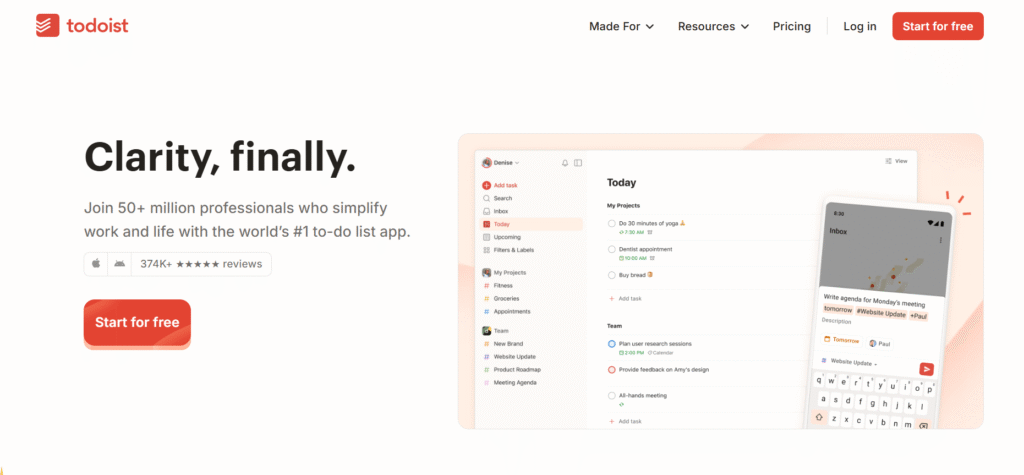
Todoist remains a classic among productivity tools. You can create tasks using natural language (e.g., “Finish report tomorrow at 5 PM”) and organize them with labels and priorities.
Why use it:
- Simple, elegant interface
- Cross-platform syncing
- Provides Daily/weekly productivity reports
Free plan Includes up to 5 projects, recurring tasks, reminders
2. Microsoft To Do – Perfect for Beginners
Website: todo.microsoft.com
If you’re in the Microsoft ecosystem (Windows, Outlook, or Office), this app syncs beautifully across all devices.
Highlights:
- 100% free with Microsoft account
- Smart lists and reminders
- Great for personal and work tasks
Best for Students and professionals who love simplicity.
3. Notion – All-in-One Workspace for Everything
Website: notion.com
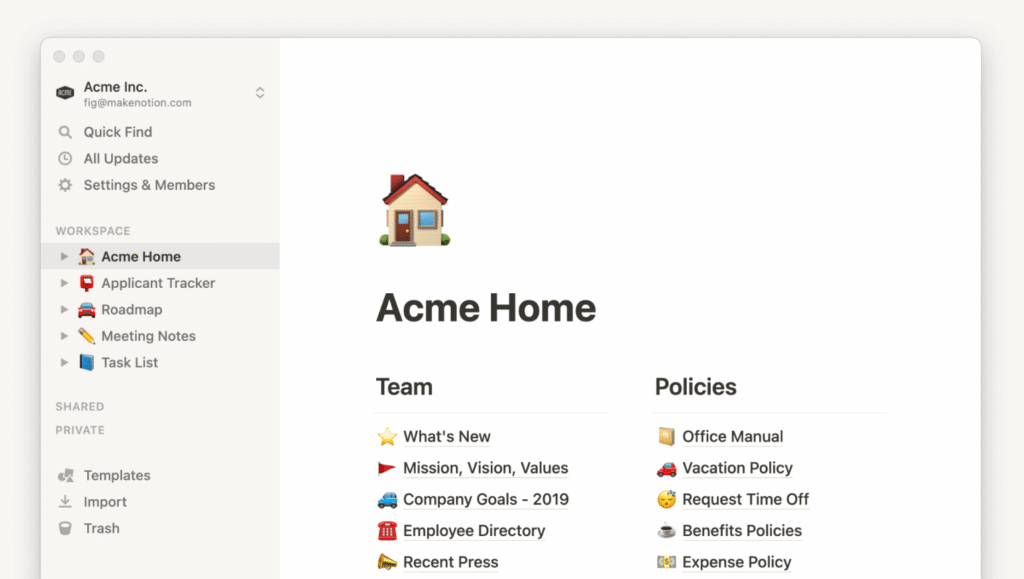
Notion is the Swiss-army knife of productivity — combining notes, to-do lists, project boards, and databases.
Top features:
- Pre-built templates for planning, journaling, content creation
- Syncs across devices
- Vast community support
Free tier Unlimited pages and blocks (with a few limits on uploads).
4. TickTick – Task, Calendar & Habit Tracker in One
Website: ticktick.com
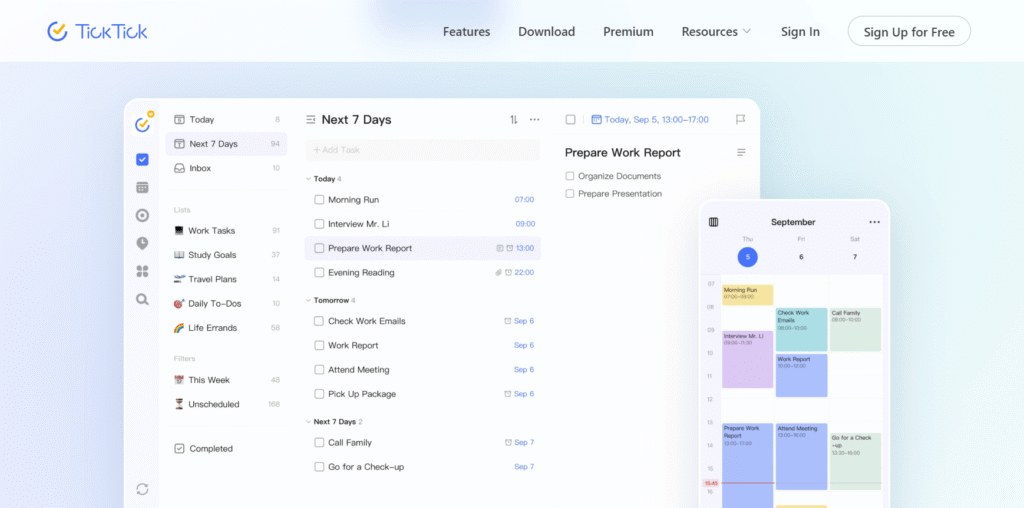
TickTick can merge your to-do list with a calendar view. You can easily set deadlines, add recurring tasks, and track habits like workouts or reading.
Why users love it:
- Built-in Pomodoro timer
- Habit tracker + focus timer
- Easy integration with Google Calendar
5. Toggl Track – Best for Time Tracking
Website: toggl.com
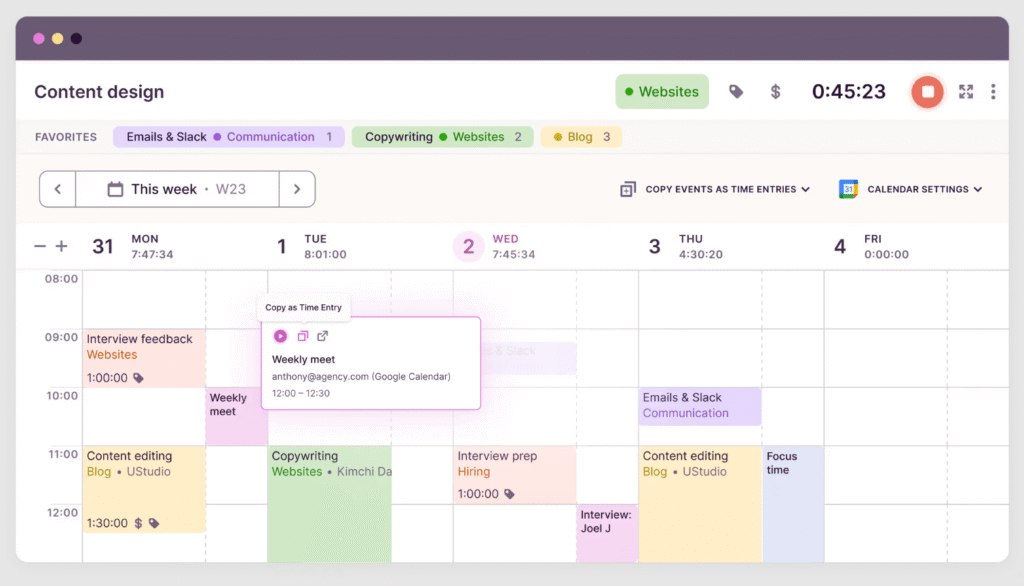
For people like freelancers and professionals who works, if they want to know where their time goes? then Toggl Track can be very help better.
Perks:
- Start/stop timer for any task
- Provides daily/weekly reports
- Works offline and syncs as it connects online
Free plan is suitable for personal use and small teams.
6. Habitica – Gamify Your Habits
Website: habitica.com
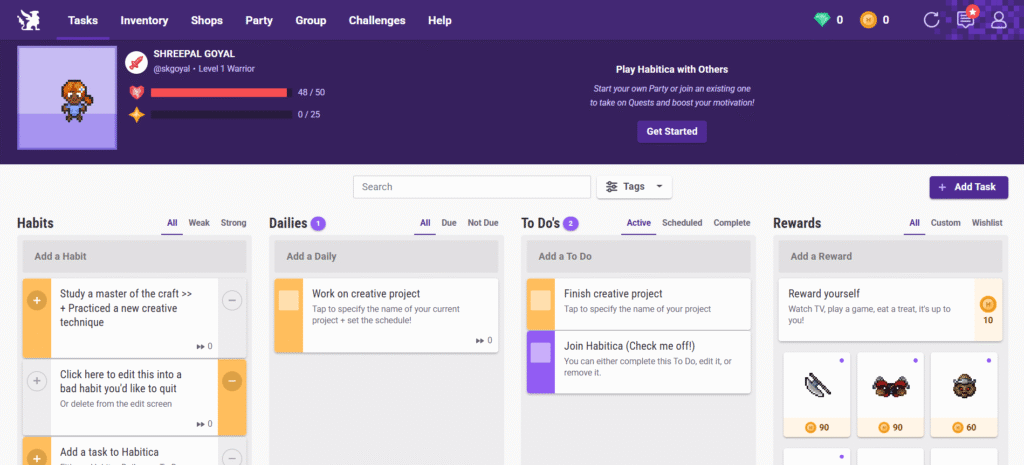
Habitica turns your productivity into a game. You earn rewards and level up as you complete tasks or build habits.
Why it stands out:
- Fun, engaging interface
- Community challenges
- Encourages consistency
Perfect for Students or anyone who loves RPG-style motivation.
7. Forest – Stay Focused, Grow Trees
Website: forestapp.cc
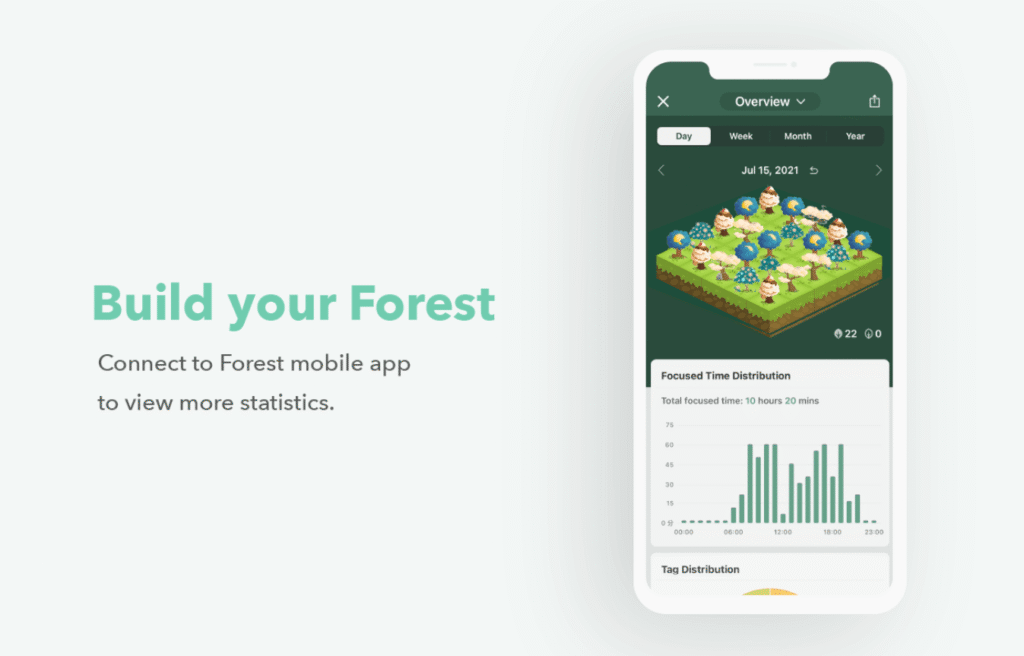
Forest helps you beat phone addiction — set a focus timer, and a virtual tree grows as long as you stay off your phone.
Great for Deep work sessions and digital detox. and The company even plants real trees for focus sessions done by Forest apps users.
8. Logseq – Private Note-Taking & Knowledge Management
Website: logseq.com
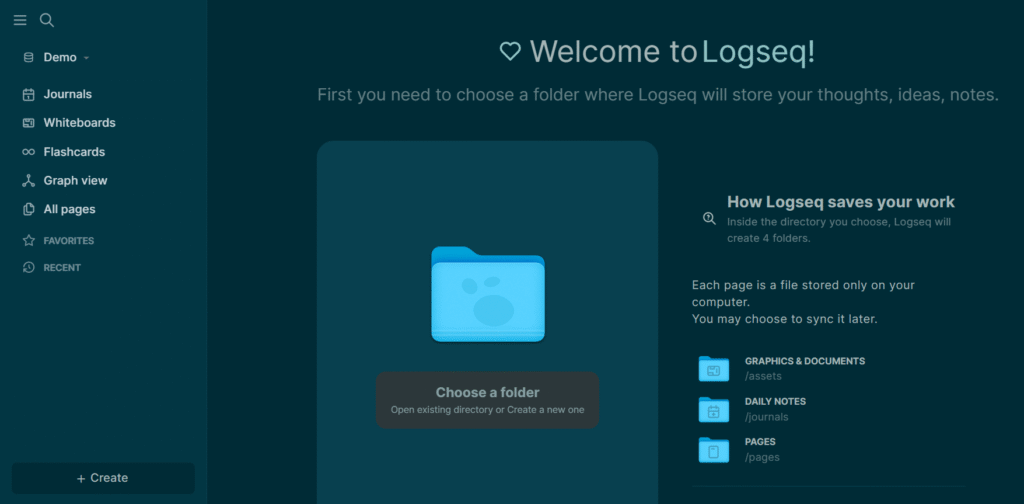
Logseq is an open-source alternative to Notion and Obsidian. You can write, link, and organize thoughts in a connected “graph” format.
Why try it:
- 100% free and offline
- Markdown support
- Data stays with you
9. OneNote – Best Free Note-Taking App
Website: onenote.com
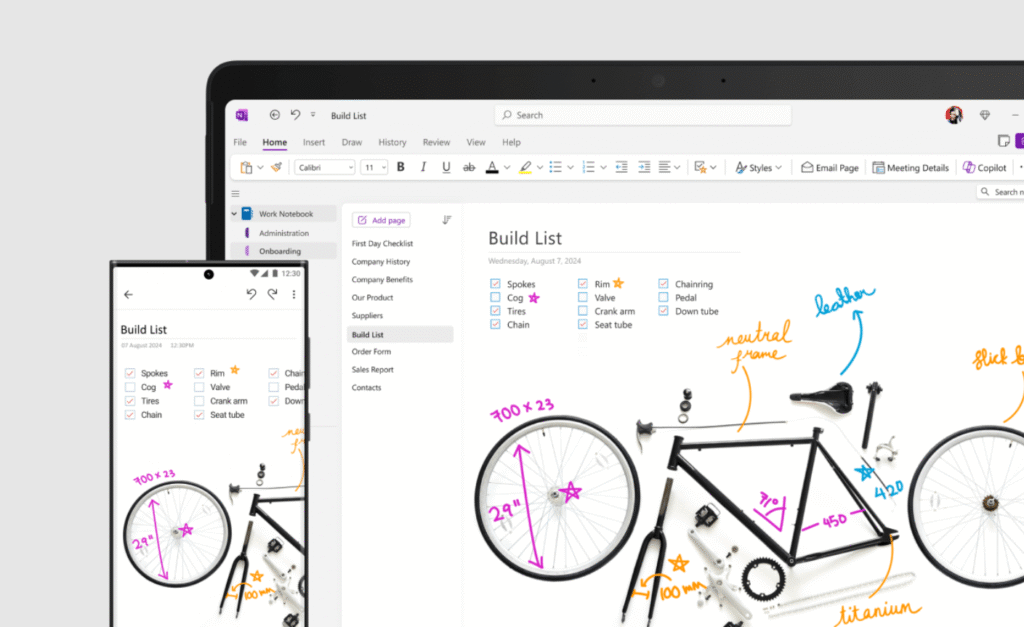
Microsoft OneNote is a powerhouse for note-taking, sketches, and class notes. Syncs seamlessly with OneDrive and Teams.
Top features:
- Audio notes, drawings, and embedded files
- Perfect for students
- Free and widely supported
10. Zoho Notebook (Made in India)
Website: zoho.com/notebook
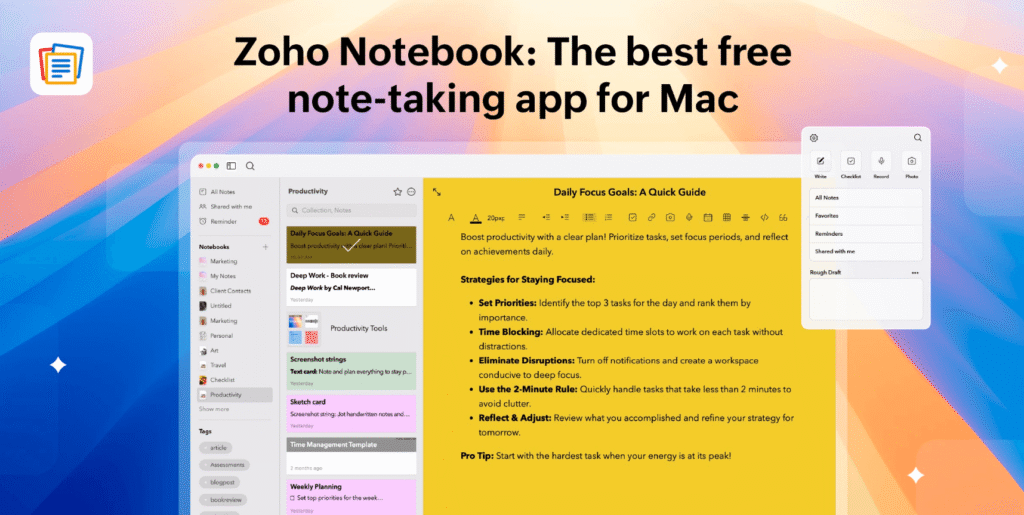
Created by India’s own Zoho, this app blends simplicity and design. Notes appear as colorful cards that you can group, pin, or share.
Highlights:
- Ad-free & completely free
- Sync across all devices
- Web Clipper for saving online content
Compare at a Glance
| App | Category | Key Features |
|---|---|---|
| Todoist | Task Management | Smart tasks, reminders |
| MS To Do | Personal Planner | Lists, sync, Outlook |
| Notion | All-in-one workspace | Notes, boards, templates |
| TickTick | Tasks + Habits | Pomodoro timer, calendar |
| Toggl Track | Time tracking | Reports, offline mode |
| Habitica | Habit building | RPG-style gamification |
| Forest | Focus timer | Grow trees, plant real ones |
| Logseq | Notes | Markdown, offline |
| OneNote | Notes | Audio, sketches, sync |
| Zoho Notebook | Notes | Card UI, web clipper |
How to Choose the Right Productivity App
Here’s how you can pick your perfect match:
- Define your goal – Want better focus? Try Forest. Need structure? Go for Todoist.
- Check compatibility – Android, iOS, Windows, or macOS — choose what fits your setup.
- Test integrations – Use Google Calendar or Slack? Ensure the app connects smoothly.
- Look at offline support – If you travel often, apps like Notion and Logseq are great offline.
- Start small, then expand – Pick one or two apps first, then build your system gradually.
Free Productivity Apps Popular in India
While global tools dominate, some free productivity apps India‘s users love are here:
- Taskito – Indian-built timeline planner
- Zoho Notebook – Made by Zoho, Chennai
- Trello (Free Plan) – Great for project collaboration
- Google Keep – Fast and simple notes on Android
These are lightweight, reliable, and work well with low connectivity — perfect for Indian professionals and students alike.
Conclusion
The right productivity app can transform the way you work — helping you plan smarter, focus longer, and achieve more. In 2025, you don’t need to pay for it; these best free productivity apps are powerful enough to run your entire workflow.
Whether it’s Notion for planning, Toggl Track for timing, or Forest for focus —pick one that fits your style, and start building your productivity system today.
Also read: 25 Best AI Tools in 2025
Which app is your favorite? Share your thoughts in the comments below and let’s grow productive together!